Commenting & Forum Integration
This is about how the community forum ties into the rest of the site - what we sometimes call the membership portion. There's a separate course on the forum itself, so this just covers how it integrates with content like FAQs, documents, events, lessons, and articles.
On the homepage there's a carousel showing the most recent forum topics - you'll see the category, when it was posted, and a little word-bubble icon with a number. That icon shows up in a lot of places on the site and just indicates how many comments there are, so you can spot activity.
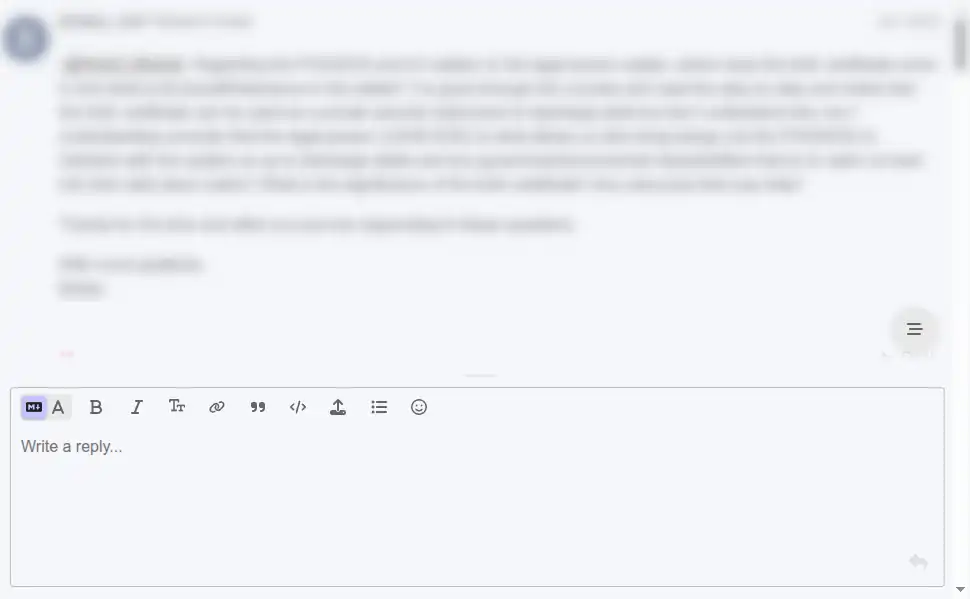
The integration works through the commenting system. Take articles: you'll see the word-bubble icon in the list, and if you open an article and scroll to the bottom, the forum comments are right there. You can read them and write your reply without leaving the page, and there's also a link to jump straight into the forum if you'd prefer that. Whatever you post goes directly into the community forum.
The same thing works on FAQs - people often have follow-up questions or want more explanation, so you can ask right on the page. It works on documents, which is one of the things people are most interested in, whether that's a PMA, a trust, or other foundational documents; scroll to the bottom and you can ask your questions before you even get the document. It works on events, which tend to generate a lot of discussion because they're regular and on topics people care about - you can watch the recording and ask questions below it. And it works on lessons, which probably generate the most discussion of all, since people frequently have questions about the educational material.
The forum interface uses Discourse, which is open-source software. We self-host it, and the whole point is to help people discuss the topics and the content they're interested in, ask questions, and have robust conversations around it.
00:09
Welcome everybody. In this video we are going to go over the way that our community forum integrates with the rest of our website, what we'll sometimes refer to as the membership portion of the website. We'll have a whole separate set of videos on the community forum, so we won't go over that very much here. We're just going to go over how it integrates with our content such as our FAQs, our documents, our events and lessons, and articles.
00:41
Before we jump right into the different types of content on our homepage here, we currently do have a little carousel that shows the most recent topics. So if you ever visit our homepage and you see this area, these are topics in our community forum. You can see that these are categories. This is when it was posted. And you'll notice this little icon, with the word bubbles. We use this in several spots on our site and that is just to indicate how many comments there are so you can see any type of activity on those topics in the community forum as well.
01:17
The way that we integrate our community forum with our different types of content is just through the commenting system. So for example, here we have articles. So you can see here's that little word bubble icons and if you go into any of the articles and scroll all the way down to the bottom, then you will see the comments in the community forum. So you can read the comments right here and you can actually write your reply right here.
01:52
And you can conduct everything right here if that's what you want to do. And we will also be able to link right here so you can go directly into the community forum from here and now you can see there is the comment. So when you are looking at the content on our website, it will give you the ability to comment on it and it will go directly into the community forum. So here we are back on the article. There is the comment.
02:24
You can also comment on our FAQs, so frequently asked questions. A lot of times people have follow-up questions or just looking for more explanations, so we do that here. You can see down here it'll say whether there are comments. You can click this to bring you to the community forum or you can go to the individual page and now you can see here that it's the same interface. So you can ask questions about the frequently asked questions if that's what you're interested in.
02:57
Documents are one of the things that people are most interested in when they are looking for stuff in communities like ours, especially if it comes to you would like to have your own PMA or trust or whether there are other foundational documents. So we do allow commenting on them as well. Here you'll see it's got the similar things that you're used to and same here. So if you scroll all the way down to the bottom, you can comment right on the document there.
03:23
So if you ever have any questions about the documents, you can discuss it, you can ask your questions before you get the document itself. You can also comment on any of our events. So events will sometimes generate a lot of discussion simply because it's an educational thing that we do regularly and people are usually interested in those topics. So it is the same as other pages. If you come down here, you can just see here's one of the three comments, legal name and trust.
03:55
You can watch the recording of the event and you can scroll down here and ask any questions that you may have right there as well. You can also comment on all of our lessons, which this one might be the one that generates the most discussion because people frequently have questions about the educational stuff. So when you are looking for the lessons, it's in the same spot just like you've seen.
04:23
So here's the video, here's the content of the lesson and you go down to the bottom and you can see the discussion right there. You can ask your questions that you're interested in and so if you ever have any questions on a lesson you can ask right from the page. And that wraps up the way that we integrate the community forum with our regular or membership part of the website. Here's the interface for the community forum. It uses the software known as Discourse.
04:51
It's open source software. We self-host the forum and we do our best here just to be able to help people generate discussion on the topics they're interested in and on the content that we put out and let them ask questions and we can have robust discussions on it if people are interested. So hope this helped. Hope this helps you understand how to use our website and really get engaged and thanks for sticking around to the end of this one.
Comments