The following results are for articles, pages, courses, lessons, documents, events and FAQs on our website. You can also search our media library for additional information. And, for members, our community forum has a search feature that can be used to search thousands of posts among hundreds of topics among our community. If you're having any issues finding something you're looking for we also have this lesson on Searching for Answers and you can always contact support.

In this webinar, we briefly review a concise synopsis of the Art of Passing the Buck Vol Chapters 1-10.

This template is an example for an affidavit that can be included with the DS-11 passport application. Members may choose to use this when applying for a passport and asserting themselves as a state citizen instead of a US citizen.

This Affidavit template is a condensed version of our previous POA/DOS template. It is designed to affirm the legal facts between a common law name and identity and the statutorily created Legal NAME & Identity.

Members may choose to use this document if they feel affirming in written testimony the differences between federal citizenship and state citizenship is necessary.

In this webinar replay we discuss new memorandums for various use as members may decide they want to use them.
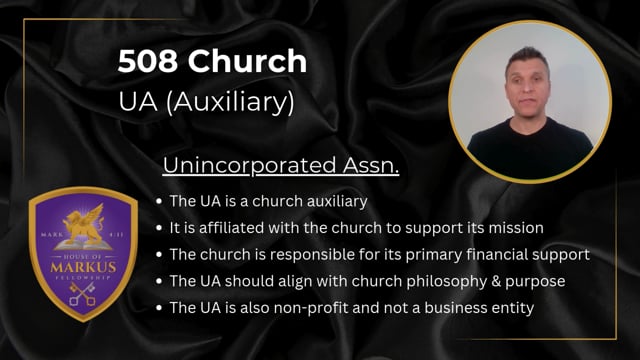
This course informs members about the basics of setting up, operating and defending a church formed according to 26 U.S.C. § 508(c)(1)(A)


In this webinar, we discuss affidavits of Citizenship, Social Security and one for DS-11 Passport application.

It's been a while since we've rolled out new dev updates for you and this one includes some significant new features to the site to help you engage the content.

An introductory course of video walkthroughs and tutorials covering how the website works. It covers the different content types, the media library, user account and membership management, search, note-taking, and forum commenting and more. This course helps gives guests and non-members a look at what the membership includes.
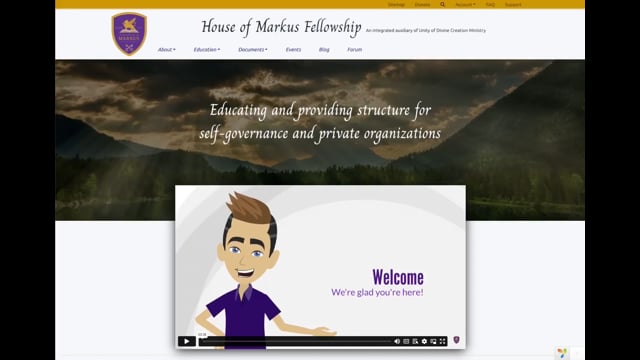
This lesson shows how to use our media library by covering its features and functionality.

A walkthrough of the Documents section and the system that generates documents customized to you by filling your information into templates. Covers how documents are organized by section and jurisdiction, what's on an individual document page, and a step-by-step of generating one - creating it, filling out its form with validation and notes, previewing with your information highlighted for proofreading, and saving, which locks everything so later changes need support. Also covers reaching all your documents, including your membership agreement, from the user account area.